What each party does
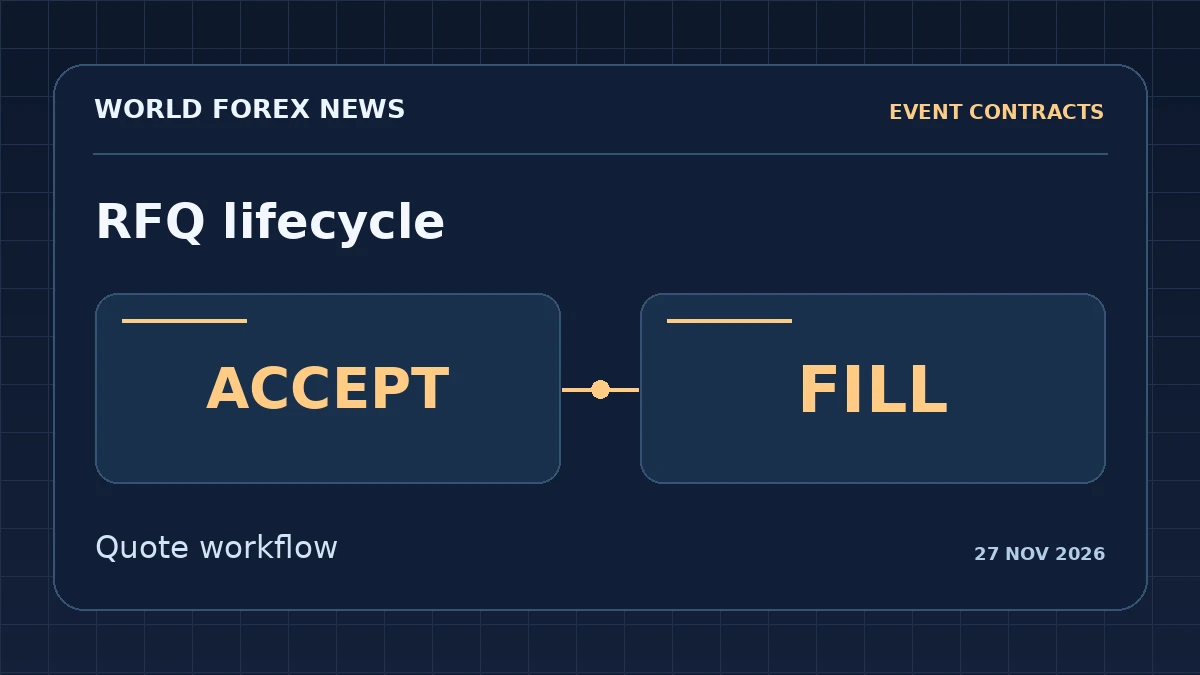
The requester can accept a quote scoped to its RFQ. The acceptance requires confirmation from the quoter, and the confirmation starts an execution timer. Kalshi’s documentation also says that another maker’s quote at the same price can be the one that fills. Kalshi · Accept RFQ Quote ↗ Kalshi · Confirm RFQ Quote ↗
What the desk should display
A screen may show that a quote has been accepted while the execution record is still pending. Maintain distinct states for acceptance, confirmation and the actual fill. Show the quoted terms in the negotiation history, then use the matched records to show what quantity traded.
What to retain in an audit trail
Store the RFQ and quote identifiers, relevant timestamps and the resulting execution records. Test the case where a response is accepted but execution has yet to appear and the case where an execution appears later. This prevents the dashboard from treating a confirmation timer as a booked position.